
Sizes and formats
A4, A5, A3 and table tent sizes, portrait or landscape orientation, and the flyer, weekly menu, poster and place card formats.
You can print the same content in several sizes. When you change the size, the content is laid out again; the dishes and prices don't change.
Paper size and orientation
In the editor's top bar, click the size selector (A4 by default) and choose: A4, A5, A3 or Table tent.
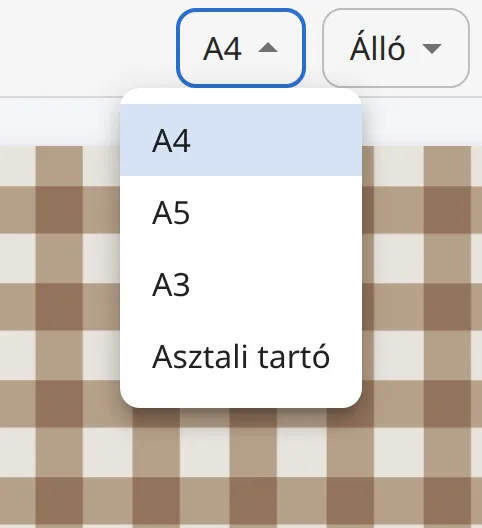
Next to it, the orientation selector lets you choose Portrait or Landscape.
Look through the pages: a smaller sheet gives more pages, a larger one fewer.
- A4 (210 × 297 mm): the classic menu size.
- A5 (148 × 210 mm): flyers, smaller table menus, daily specials.
- A3 (297 × 420 mm): posters, for a shop window or a wall.
- Table tent (210 × 148 mm, landscape): for table menu holders and promotional offers.
Does every template work in every size?
Templates are designed for one main size, which we call the template's "native" size. If you switch to another size, the content is laid out for the new sheet, but the decoration was made for the native size, so the result looks best there. Always look through the pages before printing. When you switch templates, the editor automatically switches to the new template's native size and tells you in advance.
Flyer, weekly menu, poster, place card
The Versailles template is available in six formats, which you find as separate templates in the template picker:
- Versailles – A4 menu
- Versailles – A5 flyer
- Versailles – chef's special (A5)
- Versailles – weekly menu (A5): two columns, for short offers.
- Versailles – A3 poster
- Versailles – place card (A4): several fold-in-half table cards on one A4 sheet, one per item.
Coming soon
The flyer, weekly menu, poster and place card formats are also being prepared for the other templates. Until then, use the Versailles versions for these formats: you can easily move your content from one to another with the Switch template button.